Wrapping TIPO Patent Search into an MCP and Hooking It into AI
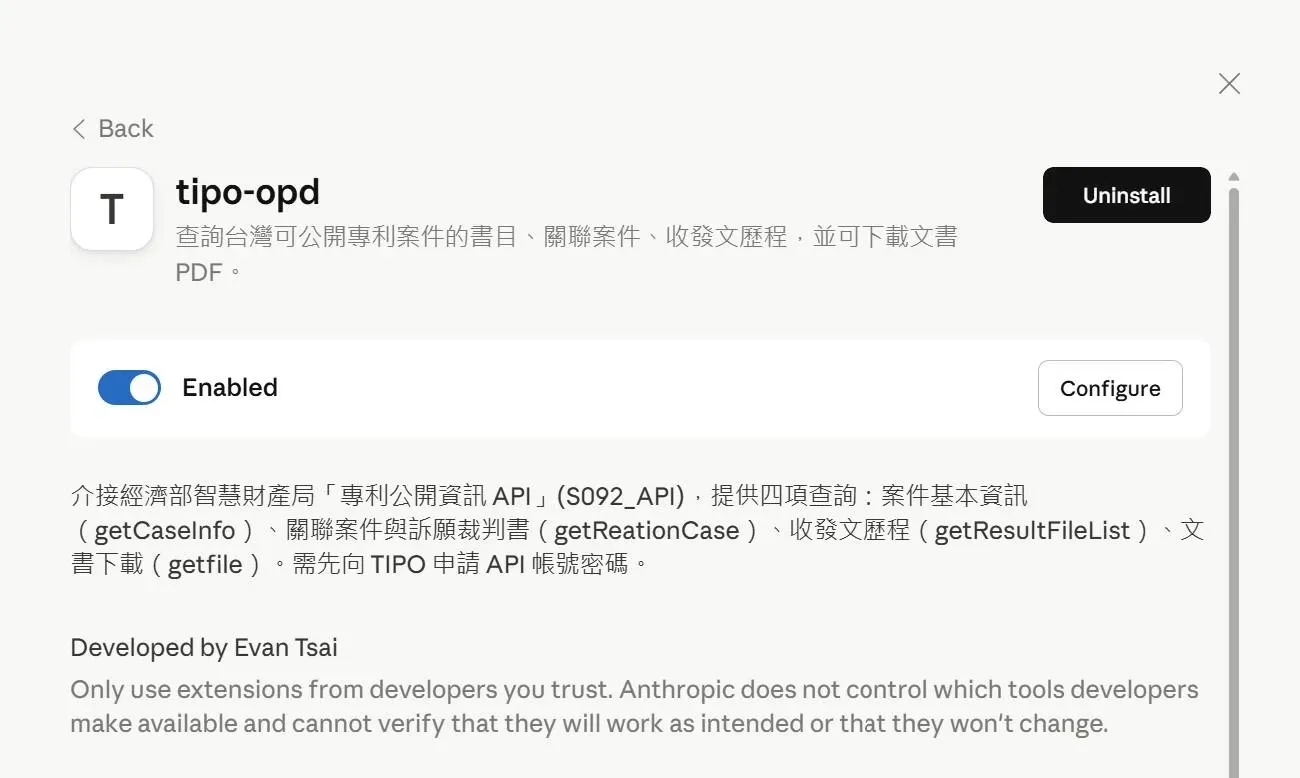
Today I wrapped the publicly available patent information from TIPO (Taiwan’s Intellectual Property Office) into an MCP and hooked it into AI.
The Trouble Wasn’t the Features, but the Gap Between Documentation and Reality
Originally I just wanted to streamline the query workflow I use regularly, but once I actually got my hands dirty I found that the trouble often isn’t the functionality itself, but the gap that still exists between the official documentation and the results actually returned.
Along the way I also stepped into a few environment-configuration pitfalls. In particular, after packaging it into an .mcpb and installing it into AI, everything tested fine in the terminal, yet it kept showing “Server disconnected.” In the end I confirmed that the culprit was a difference in the environment path used when launching the MCP.
Conversational Queries Really Are a Lot More Convenient
At this point, I can already query a case’s basic information, related cases, and correspondence history directly within AI, and can also download PDFs of published documents.
The tool itself isn’t all that complex, but condensing a process that used to require repeatedly opening the website, entering criteria, and clicking through page by page into a single line of conversation really does make it quite a bit more convenient in practice.
Wait a minute—the more I play around with AI, the bigger the game seems to get. How did I unwittingly turn into an MCP developer?…