While I Was At It, I Turned the JPO Into an MCP Too
Only two days ago I turned TIPO’s (Taiwan’s Intellectual Property Office) public information into an MCP (that whole ordeal is written up in “Packaging TIPO Patent Search Into an MCP and Wiring It Into AI”), and today I happened to get my hands on the JPO’s (the Japan Patent Office) API, so while I was at it I got the Japanese version sorted out along with it.
A Field I’m Not Very Familiar With
Honestly, Japanese cases aren’t my main line of work, and I’ve never been all that familiar with searching JPO’s public information either. On the odd occasion I need to check the status of a corresponding Japanese case, I often have to grope my way through the website interface all over again, and each time it’s like learning it from scratch.
Since the API was already in hand, I figured I might as well organize the commonly used functions into tools and wire them straight into AI. The way I went about it was actually not far off from the TIPO version from the past two days.
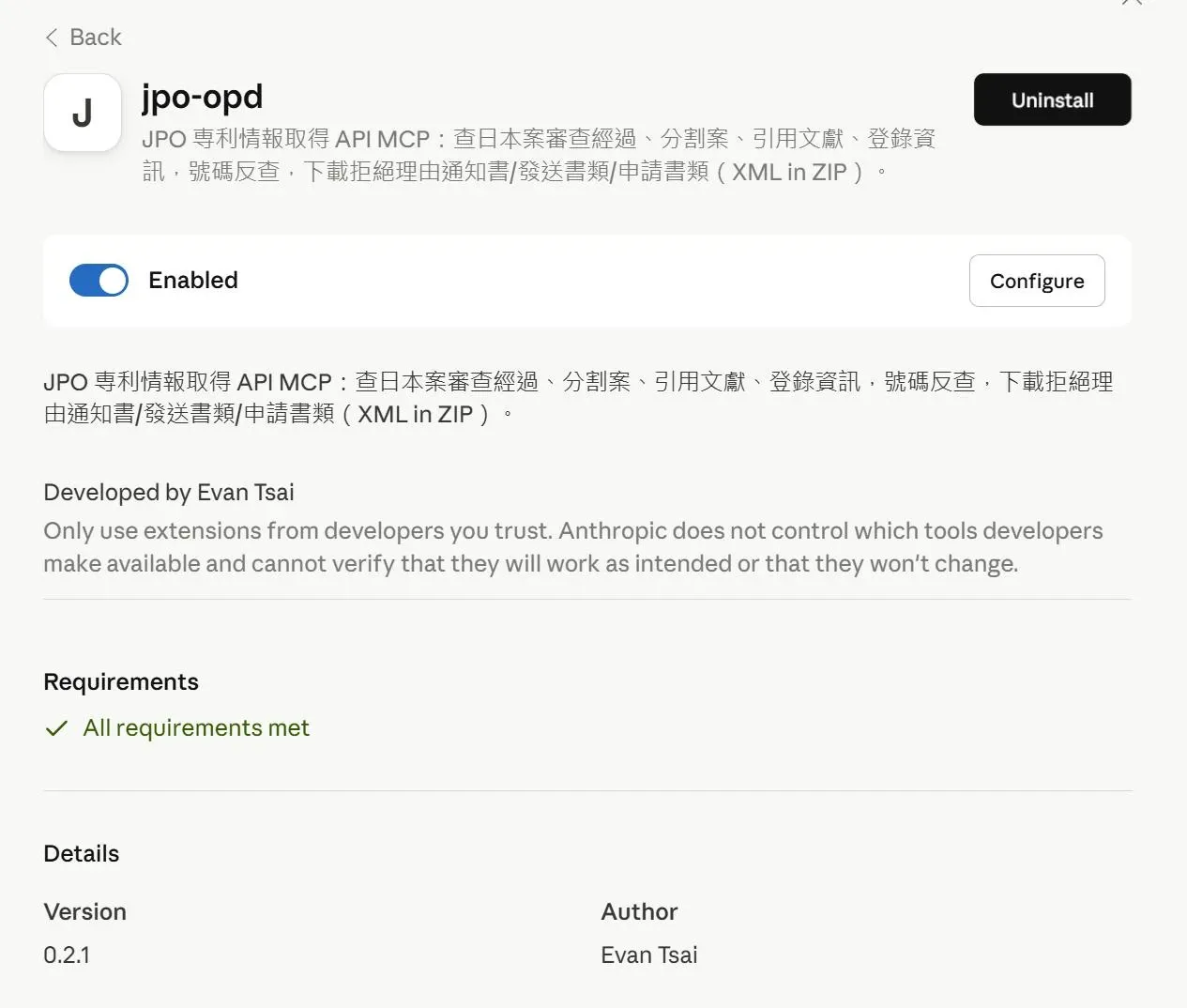
The Functions Wired In So Far
Pulling it all together, I can roughly grab the following information straight from within a conversation:
- Examination history
- Divisional applications
- Cited references
- Registration information
- Cross-referencing of case numbers
- Application numbers for the Japanese national phase of a PCT case
- Downloading notices of reasons for refusal
- Downloading dispatched documents such as examination decisions
- Downloading application documents such as written opinions and amendments
From now on, checking the examination progress, cited references, or OA of a corresponding Japanese case should be quite a bit easier—at least I won’t have to wrestle with that not-so-familiar website interface every single time.
Time to Stop for Now
It started out as just wanting AI to help me look things up, but once TIPO was done I went right on to JPO. The more tools I keep wiring in, the more I think I’d better stop here for now—otherwise, at this rate, I’m afraid I’ll end up packaging every last country’s patent office into a set.