Getting the Hang of NINA in a Day: Notes on Automated Astrophotography Control
NINA is a piece of free astrophotography capture-control software. If you’re already familiar with the whole imaging workflow, setting it up really isn’t hard—it took me about a day to get the hang of it.
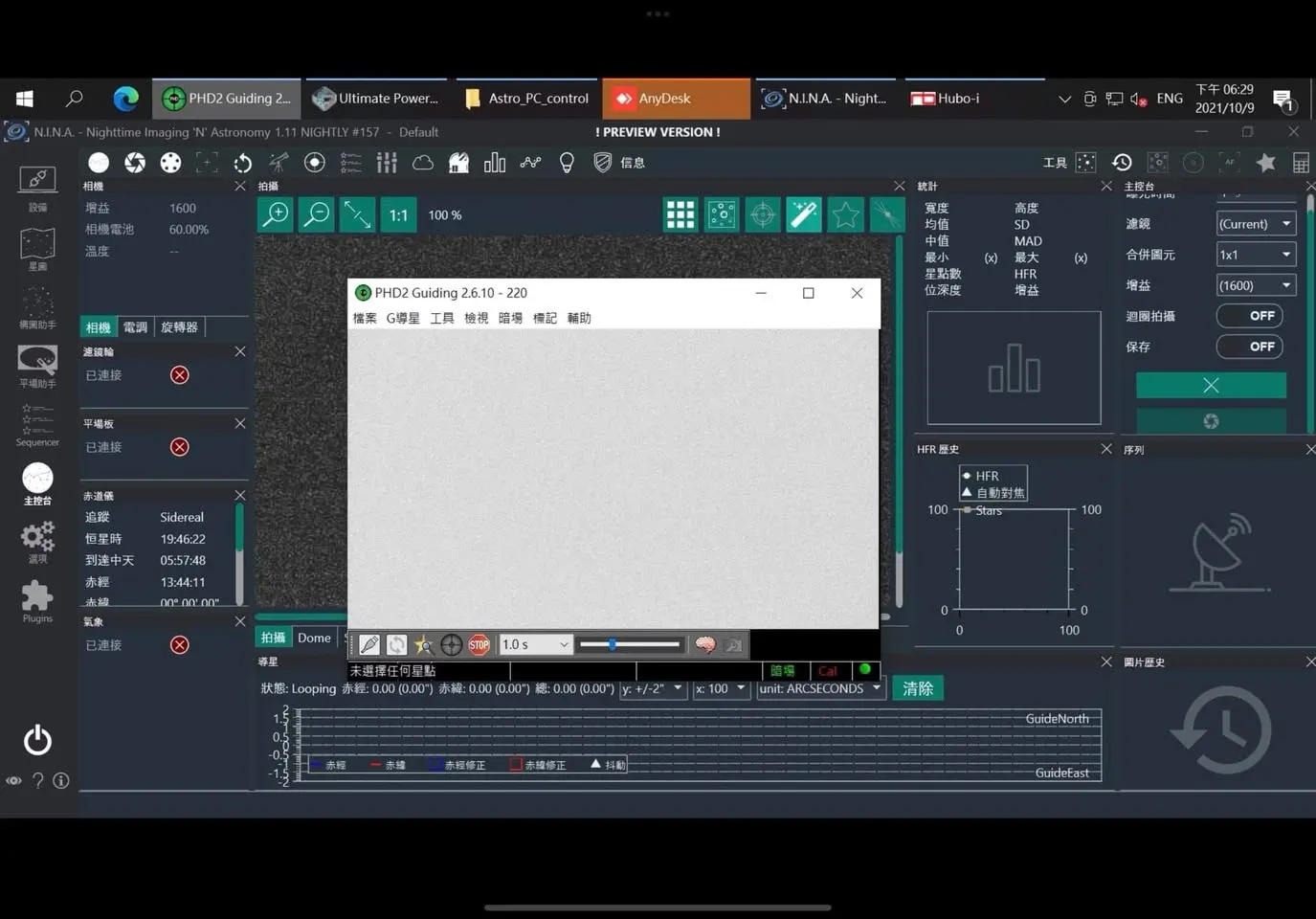
That said, compared with another control program I used to rely on more—one developed by a fellow enthusiast here in Taiwan—I personally find NINA’s setup a touch fiddly, and its interface isn’t exactly beginner-friendly.
After using it for a while, I also found some shortcomings: its plate solving and planning features aren’t great, and most of its usable functions require an internet connection to work. I tried several local-side plugins, and none of them felt as fast or efficient as simply using SkySafari Pro on my phone.
One more thing worth flagging: if you really want to achieve “full automation,” then in theory you’d have to buy every single device listed in the equipment menu; otherwise, the ideal state of “set up on the mountain, drop straight off to sleep, and fire-and-forget” isn’t really achievable. And another point—the RST ASCOM program used to control the mount hogs a ton of system resources, and for now there seems to be no fix for it.
Postscript: After Field-Testing on the Mountain
I listed plenty of drawbacks above, but after actually imaging with it up on the mountain, I’ve revised my opinion of it upward.
As long as it’s set up correctly, NINA’s imaging workflow is actually very smooth—overall far smoother to operate than the software I used to favor. That other program was too buggy; it would often freeze mid-session and have to be restarted entirely—you could almost call it “one hang per shoot.” On top of that, its casing was a poorly designed 3D-printed plastic job; even though I barely used it, the screw catches broke apart on their own, causing the casing to come apart. By comparison, NINA is far more stable.
Advice for Players at Different Stages
If you’re a beginner and want me to recommend a control method, I’d suggest the ZWO ASIAIR—simple to set up and quick to learn. If you’re already an intermediate or a veteran, then I’d recommend controlling everything with a computer and installing NINA to run the whole imaging workflow; it offers far more flexibility and room to expand.