Star Removal Tools: Comparison and Troubleshooting, from StarNet to StarXTerminator
Star removal (removing the stars) has become an important part of astrophotography post-processing in recent years: take the stars out first and you can focus on enhancing the background nebulosity or galaxy detail, then put the stars back at the end. This article traces the evolution of star removal tools from StarNet through StarNet2 to StarXTerminator, along with a few practical problems you’ll run into.
The Early StarNet and Its Many Uses
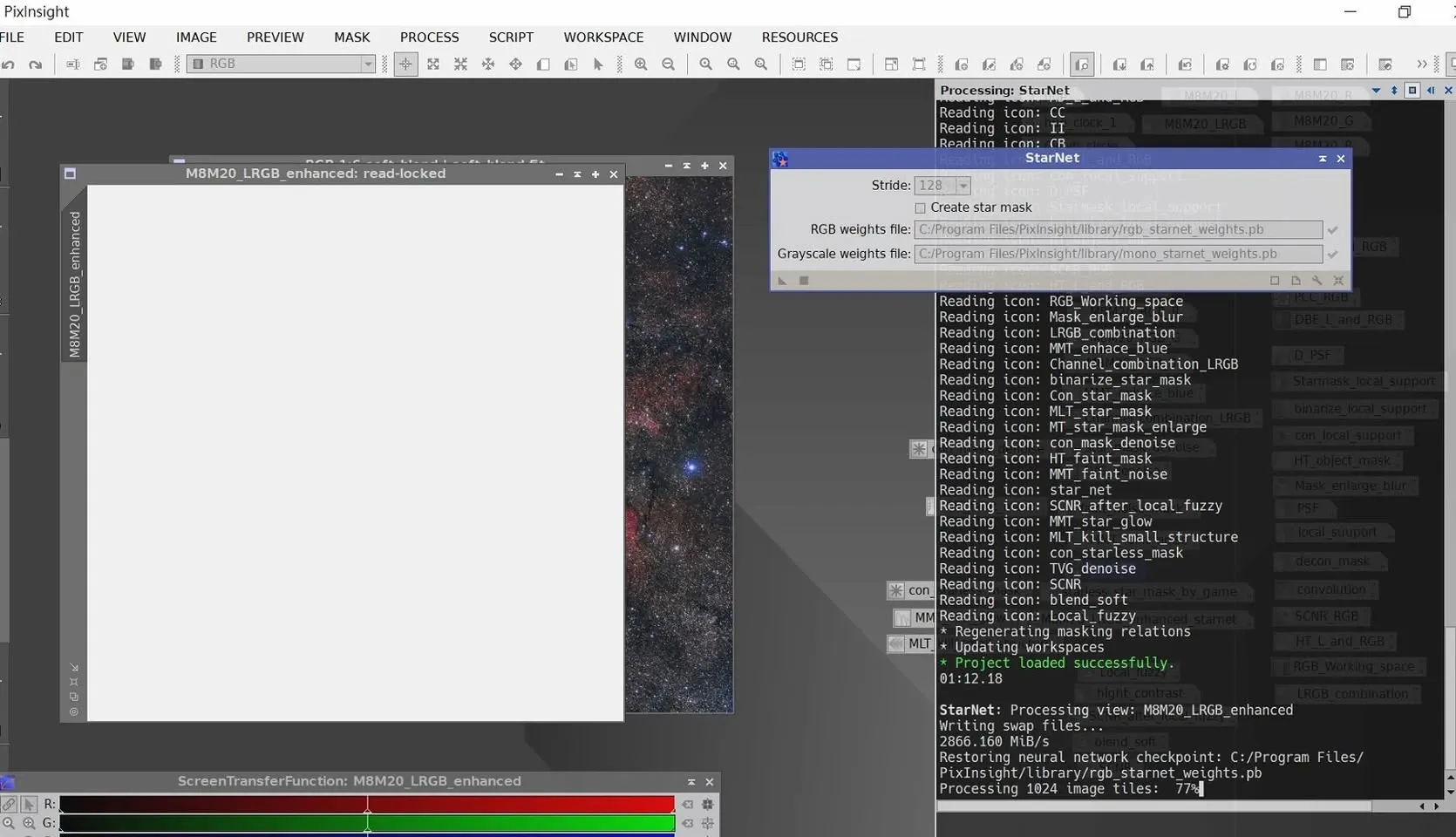
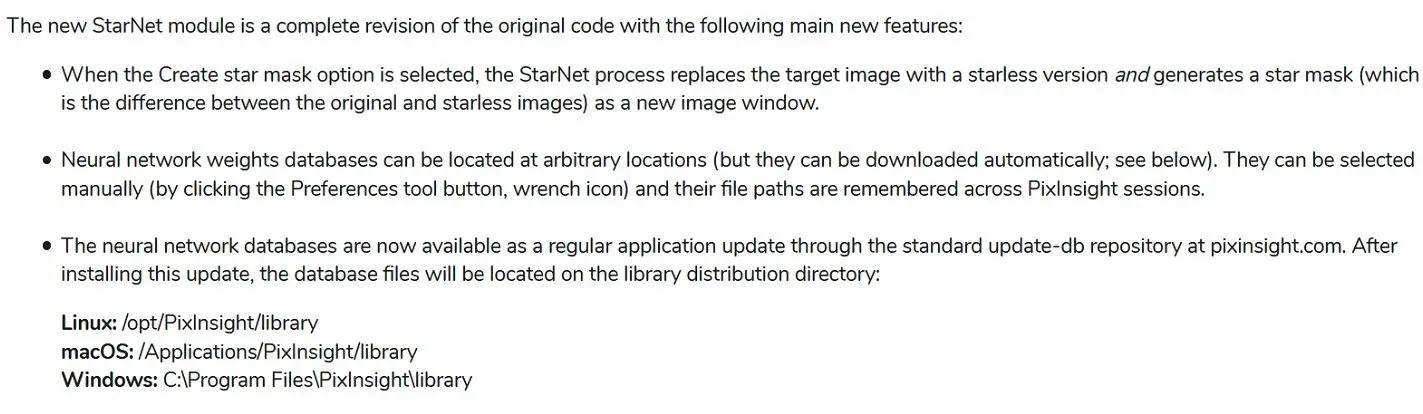
The starting point for star removal tools was StarNet++, which runs on an AI-trained model. Later PI also built in StarNet; after installing it you first have to update it and specify the location of the model database, or it won’t work. The built-in version has one advantage over the plugin version: it can show execution progress in the console, so it doesn’t leave you thinking the program has crashed the way the early plugin did. (As an aside, if the input is a color image, the star mask it produces will be color too.)
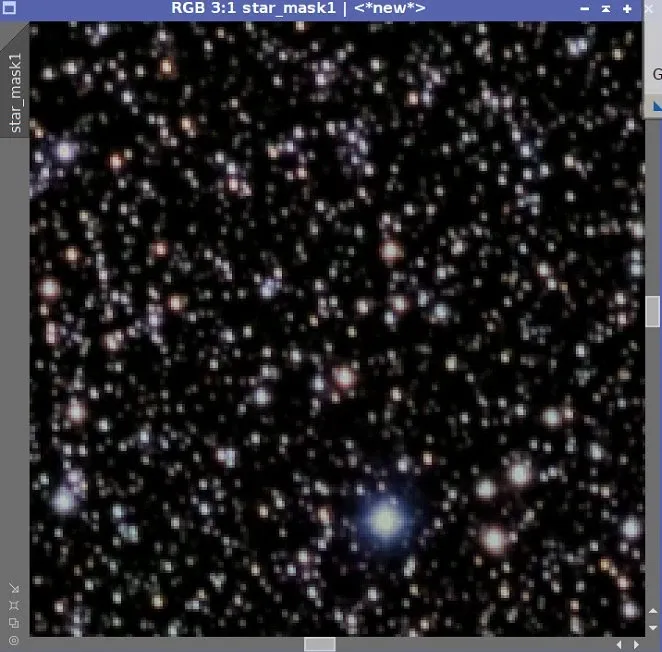
The value of star removal tools lies in more than just “removing stars”. For nebulae, StarNet++ has at least these extended uses:
- Using the star-removed image for blending.
- Making a Nebula Mask.
- Doing star reduction without traditional erosion.
As for applications on galaxies, in the early days I hadn’t found a particularly suitable use yet. You could say there are probably still many uses for these kinds of tools waiting to be discovered.
A New-Generation Rival: StarXTerminator Arrives
After StarNet came a new star removal plugin—StarXTerminator (SXT), which likewise uses an AI-trained model. In practice, the new plugin performs quite a bit better than StarNet++, coming out cleaner on both nebula backgrounds and galaxies.
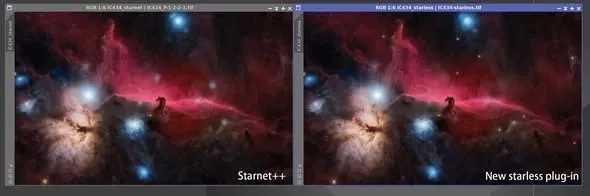
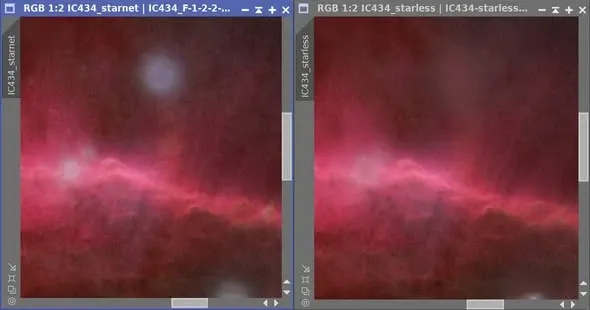
StarNet2 vs StarXTerminator: Choosing the Tool by System Focal Length
That said, SXT doesn’t win in every situation. Because of differences in their training models, each has its strengths:
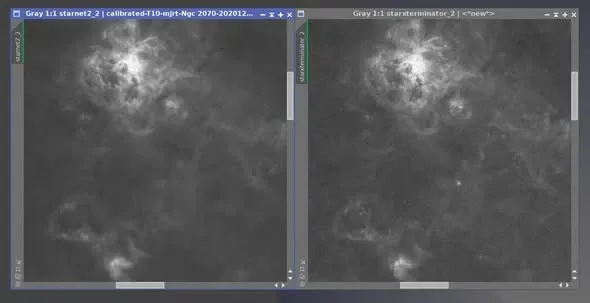
- Large systems (long focal length): StarXTerminator performs better, and even removes hot pixels automatically along the way.
- Small systems (short focal length): StarNet2 is actually better at handling small stars.
Based on this experiment and the advice on overseas forums, the better strategy at the time was: use StarNet2 for small systems and StarXTerminator for large systems. (The large system in testing was a CDK 17 + SBIG STXL11002, and the small system was a TOA 130 + SBIG STX-16803.)
SXT Keeps Evolving: Handling Diffraction Spikes and Small Galaxies
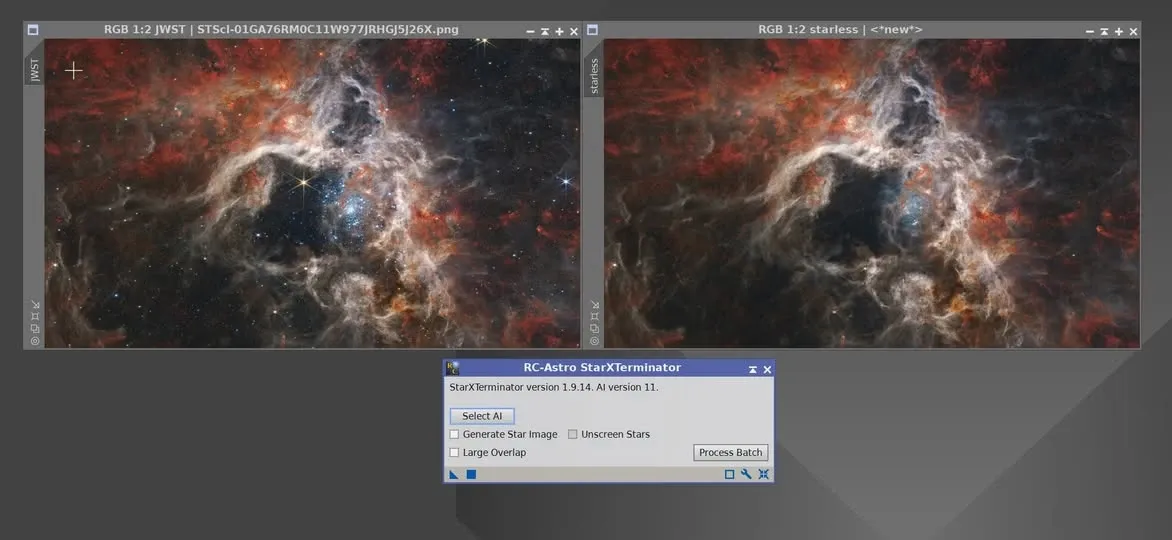
SXT keeps improving with each version. Taking the 1.9.14 beta paired with AI 11 as an example, it can already cleanly remove the eight-pointed diffraction spikes of JWST (the James Webb Space Telescope) stars; at the time a small part of the spike tips still remained, but that should be resolved once the official version is updated.
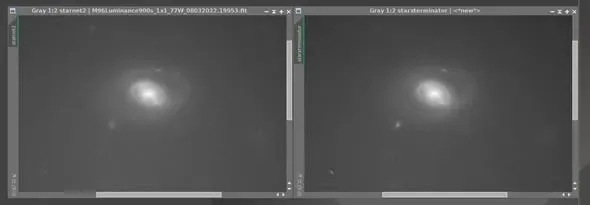
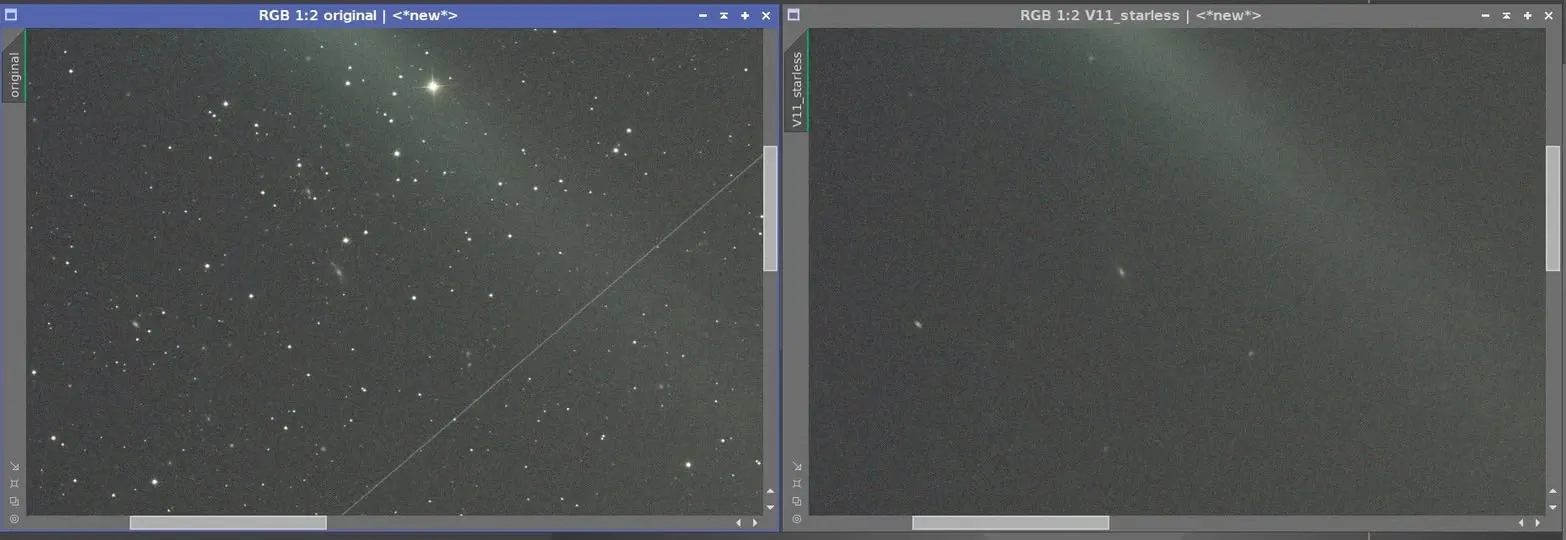
SXT 2 has also improved at recognizing small galaxies. Take a color, linear, uncalibrated comet image as an example: after star removal, the stars and satellite trails were removed, leaving the colorful comet and the small background galaxies—some of which would be treated as stars and removed along with them when using StarNet2.
Troubleshooting: A Grid Pattern in the Background After Linear Star Removal
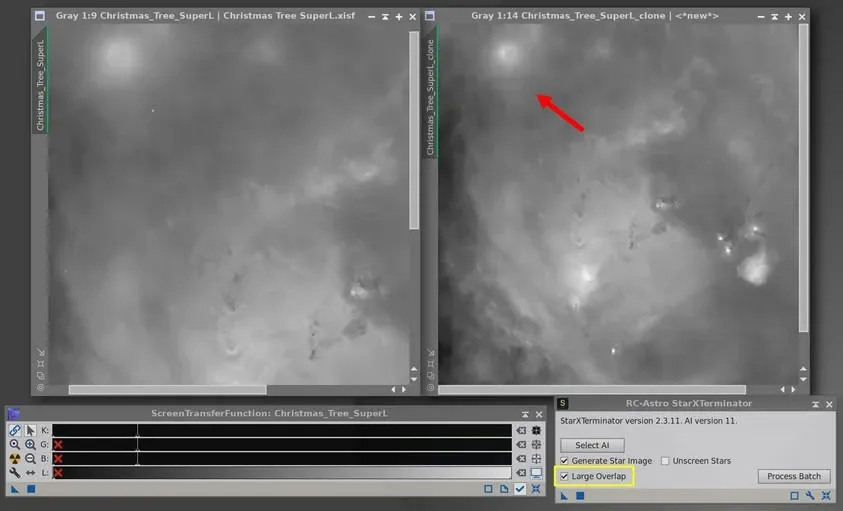
A common problem: after star removal in the linear state, the background shows lots of little squares (a checkerboard pattern). If you’re using RC Astro’s StarXTerminator, you can check “Large Overlap” for this, and after checking it the background gridding usually disappears.
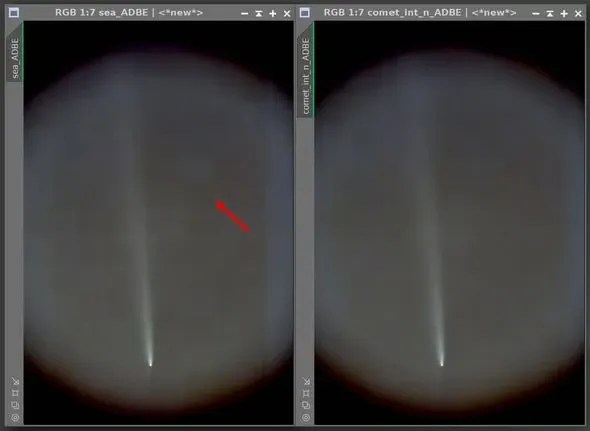
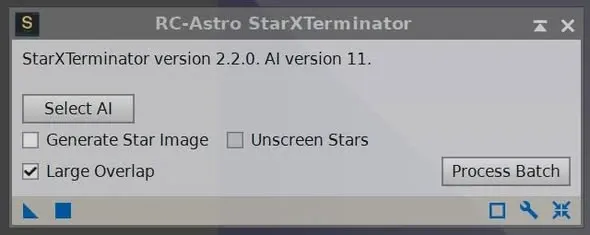
There’s a price to pay, though: after checking Large Overlap, the overlap area is larger and star removal takes roughly twice as long (for example, an image that took 20 seconds might now take 40). So if you don’t have GPU acceleration, checking it isn’t recommended—if you want a smooth experience, having a graphics card like an RTX 3060 makes things much more comfortable.
I should also warn that sometimes checking Large Overlap actually produces some strange artifacts; if that happens, remember to uncheck it.