Three Commonly Used Classic Denoise Tools: MureDenoise, MLT, TGVDenoise
This article is compiled from notes taken in 2021. Some tools or workflows have since been updated, so please keep that in mind while reading. AI denoising tools (such as NoiseXTerminator) have since come along, and in practice these classic tools are now less often used on their own—but understanding their respective roles and timing still helps you grasp the fundamentals of noise reduction.
In PixInsight, the three denoising processes or scripts I personally use most often are MureDenoise, MLT, and TGVDenoise. Each has its own suitable moment.
1. MureDenoise
Suited for mono camera images. The time to use it is in the linear state after integration is complete.
It needs two flats and two bias (dark) frames to estimate read noise, so you have to prepare these calibration files before using it. For friends using a mono camera, I recommend making it part of your routine noise-reduction workflow.
2. MLT
MLT (MultiscaleLinearTransform) is a very versatile tool, and for noise reduction I usually use it like this:
- in the linear stage, use it (layer 1) to remove color noise;
- in the nonlinear stage, pair it with a mask (layers 1 & 2) to remove tiny noise.
The same tool, with different layer settings at different stages, can tackle noise at different scales.
3. TGVDenoise
A very powerful denoising tool in PixInsight, operable in both the linear and nonlinear states.
When using it, you usually need to pair it with a mask, so as to suppress the noise of both the background and the subject at once without harming the detail you want to keep. As for the denoising mode, I usually recommend using Lab mode.
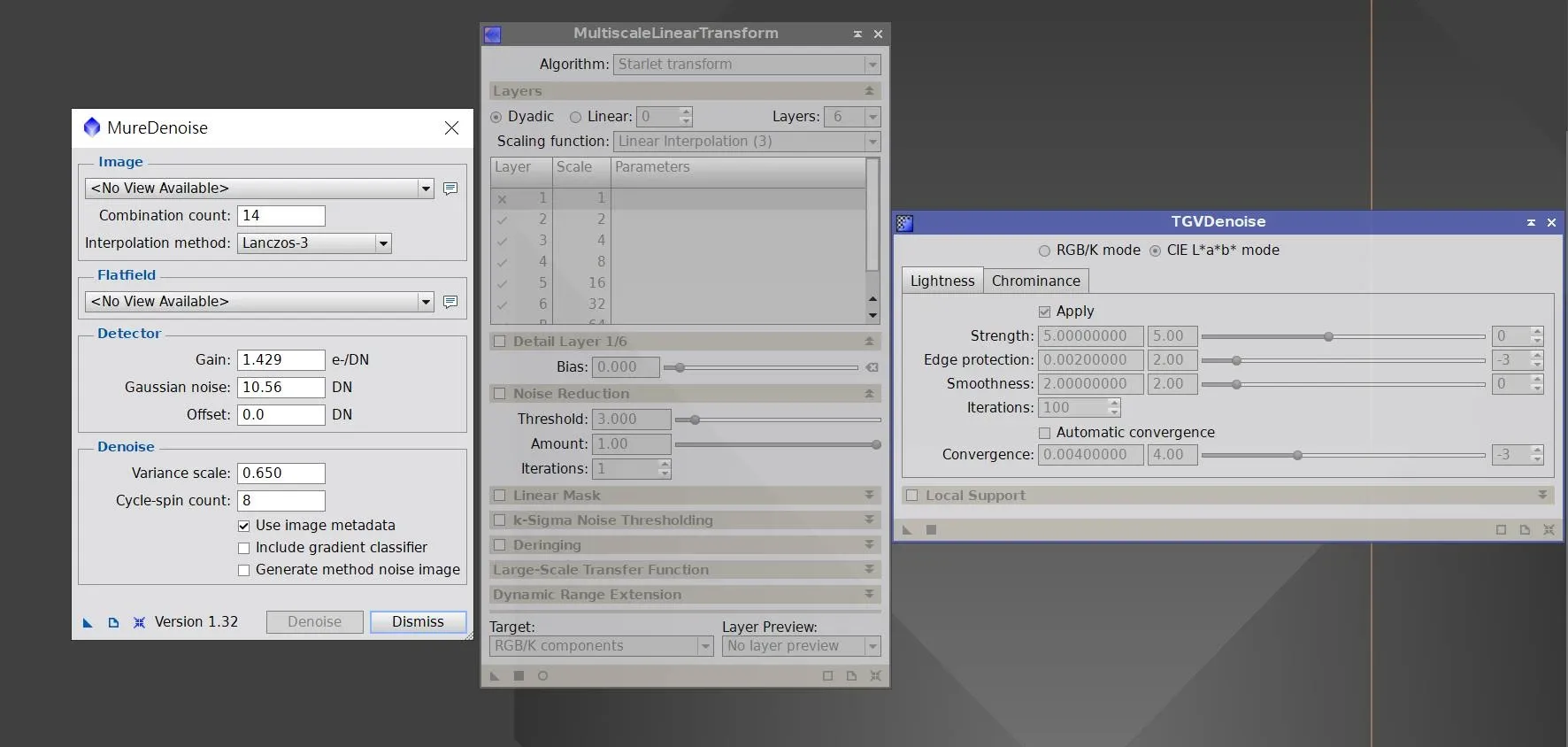
Before AI denoising became widespread, these three tools carried nearly the entire linear-stage noise-reduction workload. Even though the job is now mostly handed off to AI tools, understanding each of their roles—mono-only, multiscale color noise, and comprehensive mask-paired noise reduction—remains the basis for judging “which stage and which scale to work on.”