Monitor Color Management and Calibration: Not Just Tweaking a Display Mode
Color management is enormously important in image processing, yet many people (including my past self) hold one misconception: they think that tweaking a monitor’s display mode is what “color management” means. In fact it’s nothing of the sort.
The Problems I Ran Into
I was troubled by two situations for a long time. First, my desktop monitor (EIZO CS2731) and my laptop (Acer Swift 5) showed the same image looking severely different. When I photographed both screens with a camera to compare, the color temperature did differ (the laptop’s was higher), but oddly, that color-temperature difference was barely noticeable to the naked eye. Second, on the same computer, PixInsight and Photoshop would never display the same image the same way.
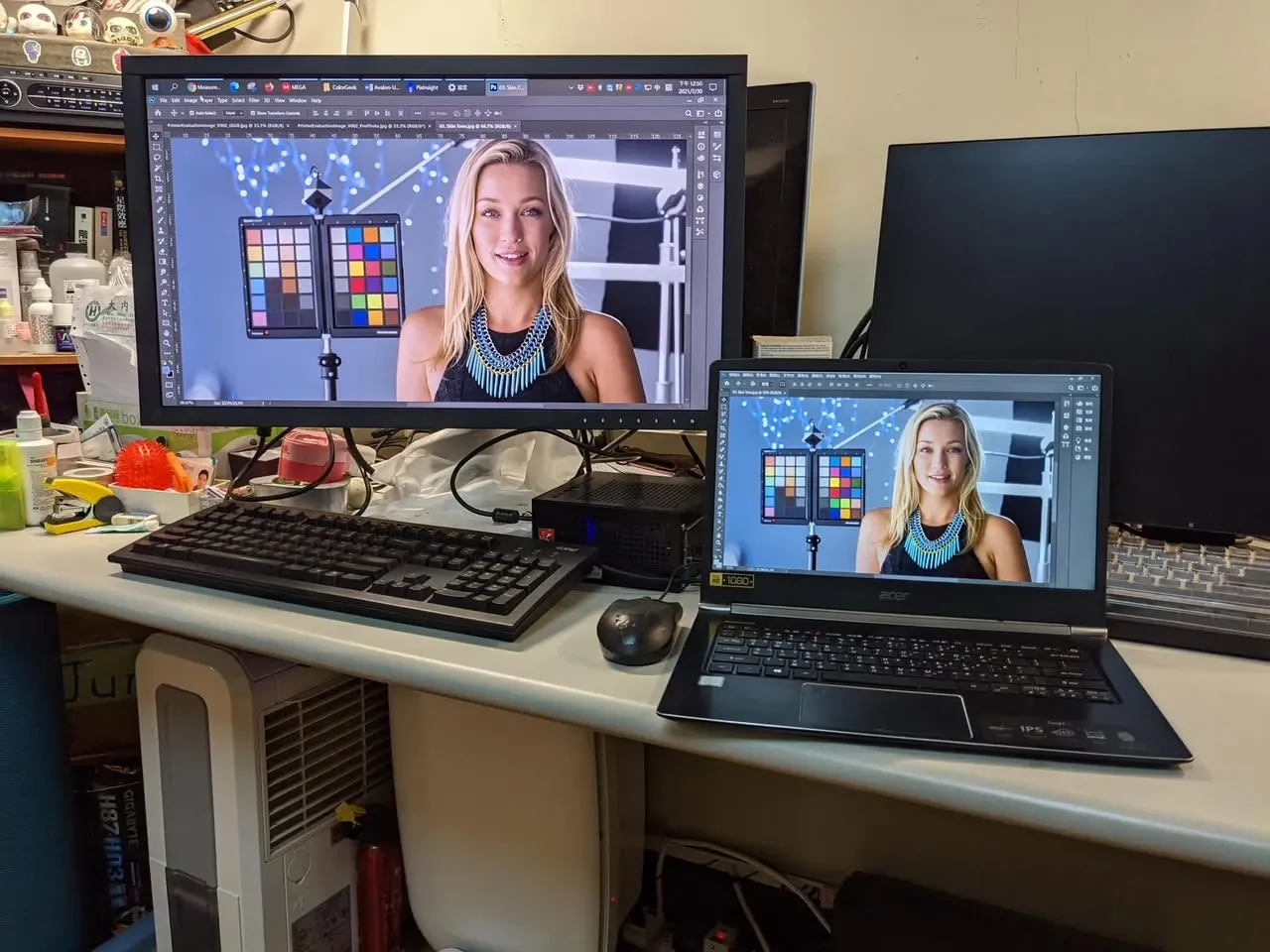
After Doing Color Management
After I got the monitor color management sorted out, these problems were all solved: to the naked eye the two monitors looked very close, and PI and PS showed the same image completely consistently.
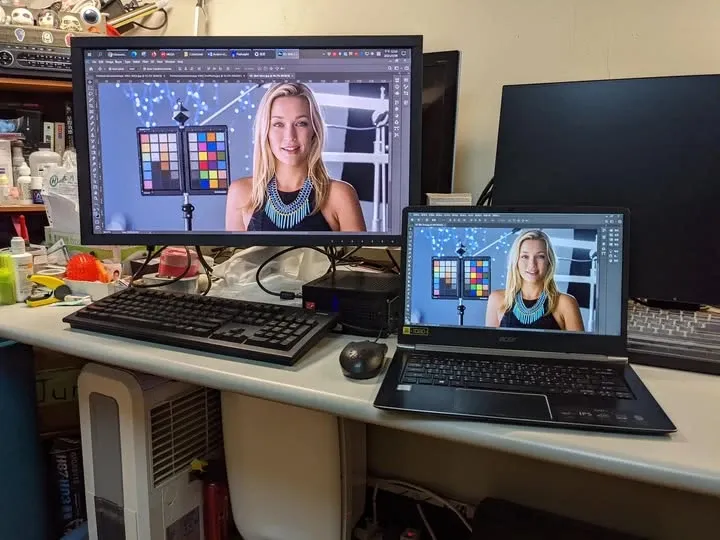
It turns out color management is completely different from what I’d originally imagined — it’s not as simple as tweaking a monitor mode.
Ordinary Monitors Can Do It Too
If budget allows, a monitor that supports hardware calibration or has a built-in calibration feature is of course best. But if the budget isn’t there, no problem — an ordinary monitor can do color management just as well through software calibration. With the right color-management concepts, plus the relevant calibration and testing hardware and software, you can do color management well even on a Windows system.
Extension: PixInsight’s Color Management Settings
The color-management expert who handled my monitors later signed up for a PI trial account and, in Chinese, explained the color-management-related options and content inside PixInsight, compiled on this page — well worth a read:
https://colorgeek.co/pixinsight/
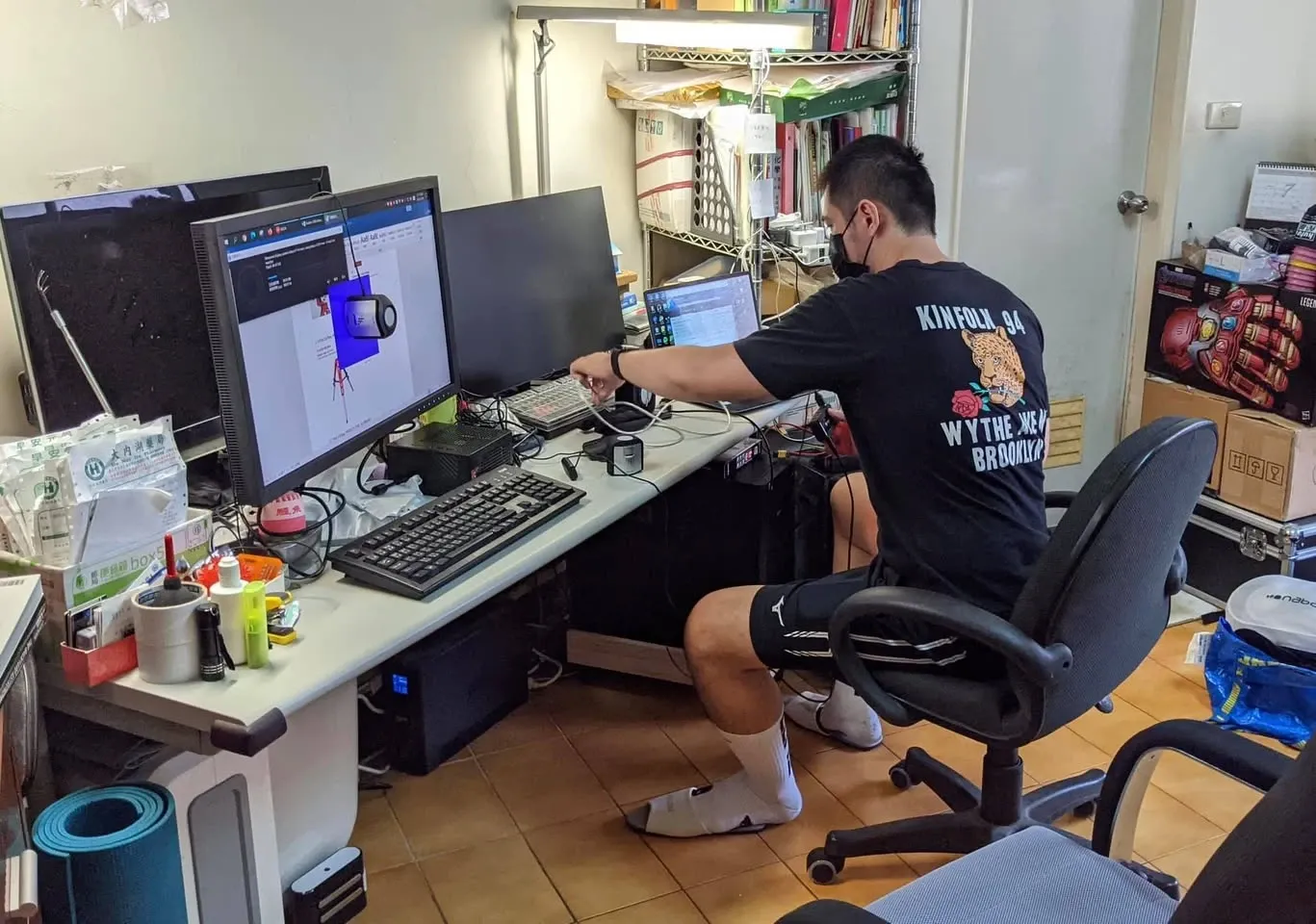
Finally, let me add my own experience from this session for reference. I handled two monitors at once (the EIZO CS2731 and the Acer Swift 5), covering calibration, visual matching, software-related settings, and answers to color-management questions, and it took about three hours all told.