NSG (Normalize Scale Gradient): Its Purpose and Benefits
This article is compiled from notes taken in 2022 when NSG 2.0 was released; the tool’s later development and supported platforms have since changed, so please keep that in mind while reading.
NSG (Normalize Scale Gradient) is a very useful tool in PixInsight’s integration workflow. This article briefly explains its purpose and benefits, so that those not yet familiar with it understand the role it plays in the overall workflow.
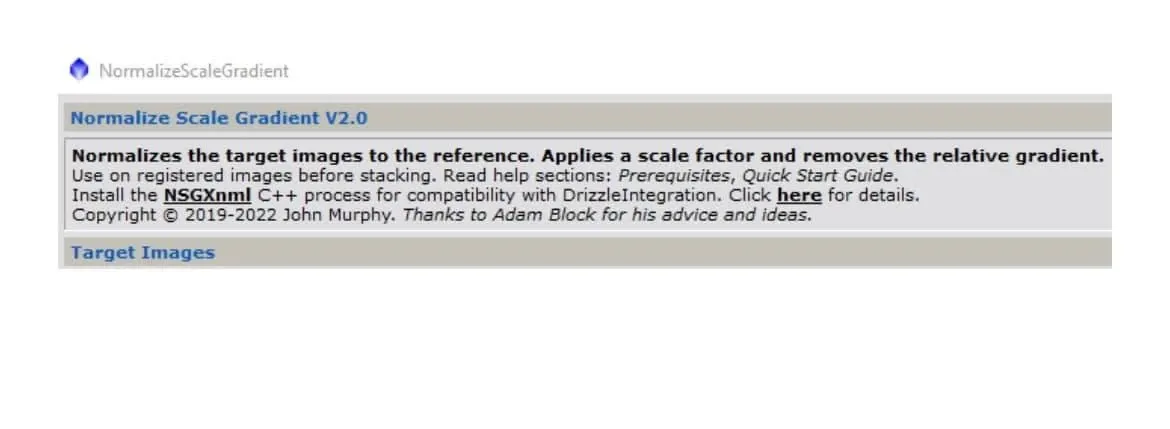
Pricing and versions
NSG 2.0 itself is free to use on its own. One of its modules, NSGXnml, however, requires payment if you want to use it together with drizzle integration — the price being 27 US dollars.
What NSG is for
- Use it after star registration but before integration.
- For each channel you need to pick out one best image and designate it as the reference image.
- It evaluates each channel’s images, normalizing them against the reference image and assigning weights, while at the same time reshaping each image’s light gradient to be consistent with the reference image.
One thing worth mentioning here is how the weighting is evaluated: traditional integration defaults to weighting by noise, but noise alone is prone to misjudgment; NSG instead adopts a more reliable evaluation method.
The benefits of using NSG
- Good images get higher weight: during integration more pixels are taken from the good images, while poor images get lower weight and contribute less.
- Light gradients become consistent: because every image’s light gradient has been reshaped to be the same, it’s then easier to remove unwanted light gradients when you later use DBE.