Where Does a Galaxy's Diffuse Gas Come From? On Why Linear Processing Matters
Some people may hold this misconception: that the faint whitish diffuse gas of a galaxy is something PixInsight “makes up.” It isn’t. This gas is signal that was already present in the data—you can bring it out in Photoshop just the same. The reason it doesn’t come out is mainly this: stretching the image straight to nonlinear without going through linear processing needlessly throws away a good deal of detail.
Two Common Mistakes
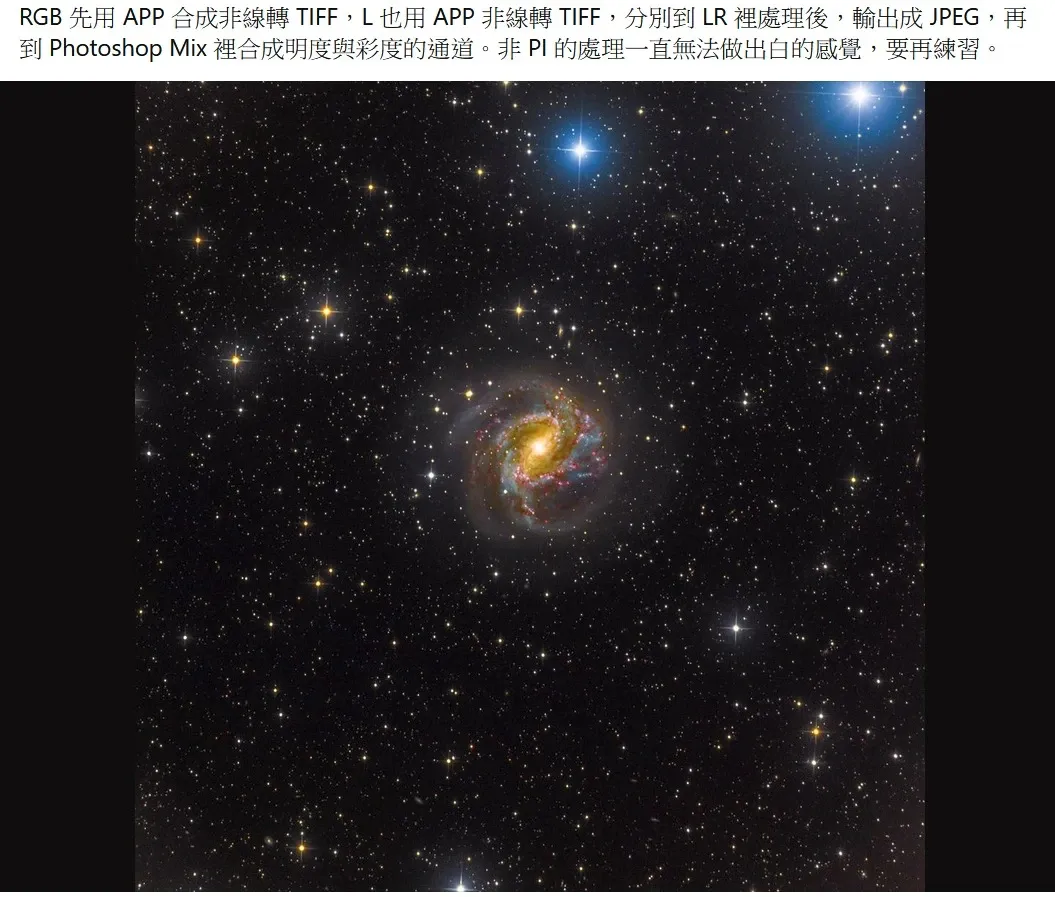
Besides skipping linear processing, another major mistake is using JPGs to composite LRGB. A JPG is only 8-bit, and the amount of data in it is simply not enough. When you do this, the luminance detail is almost entirely lost, leaving nothing but hollow—and not even well-balanced—color saturation. Good raw image quality is wasted just like that.
There is no point in doing this kind of exercise, no matter how much of it you do, because the workflow and the concepts are wrong from the very start. I have tried processing images this way myself, and sure enough it produces an image very quickly, but it also hits a wall very quickly—precisely because the method is wrong, it doesn’t get you far.
I have heard plenty of beginners say that watching a proper astrophotography tutorial puts them to sleep. But these proper workflows cover the order of steps and the conceptual aspects, and anyone still unclear on them is well advised to go back and flip through one again.
Good Material Needs More Processing, Not Less
Deep-sky image processing is not quite like cooking. Material with good image quality actually needs more processing, in order to avoid wasting that data. As for material that wasn’t shot particularly well, that is what truly can “produce an image fast”—because there wasn’t much detail in it to be processed out in the first place.
In other words, how fast you produce an image is not the same as how well it is processed. When what you have in hand is a set of rich, detailed, good data, being willing to spend the time to walk through the proper workflow is what does that material justice.
One last point to add: the apps currently on phones and tablets are only suited to simple color adjustment; to properly process deep-sky astro images according to the workflow, you still have to rely on a computer.